

CPU worker on Galaxy A04s
34.3–34.8 ms
p95 completion interval
One 320×180 surface in Android Chrome. Both worker repeats were within the 35 ms budget for this Phase 5 workload.
CPU benchmark results ↗ Liquid Glass Forge
GitHub
Liquid Glass Forge
Optical glass for the web. Real refraction with native controls.
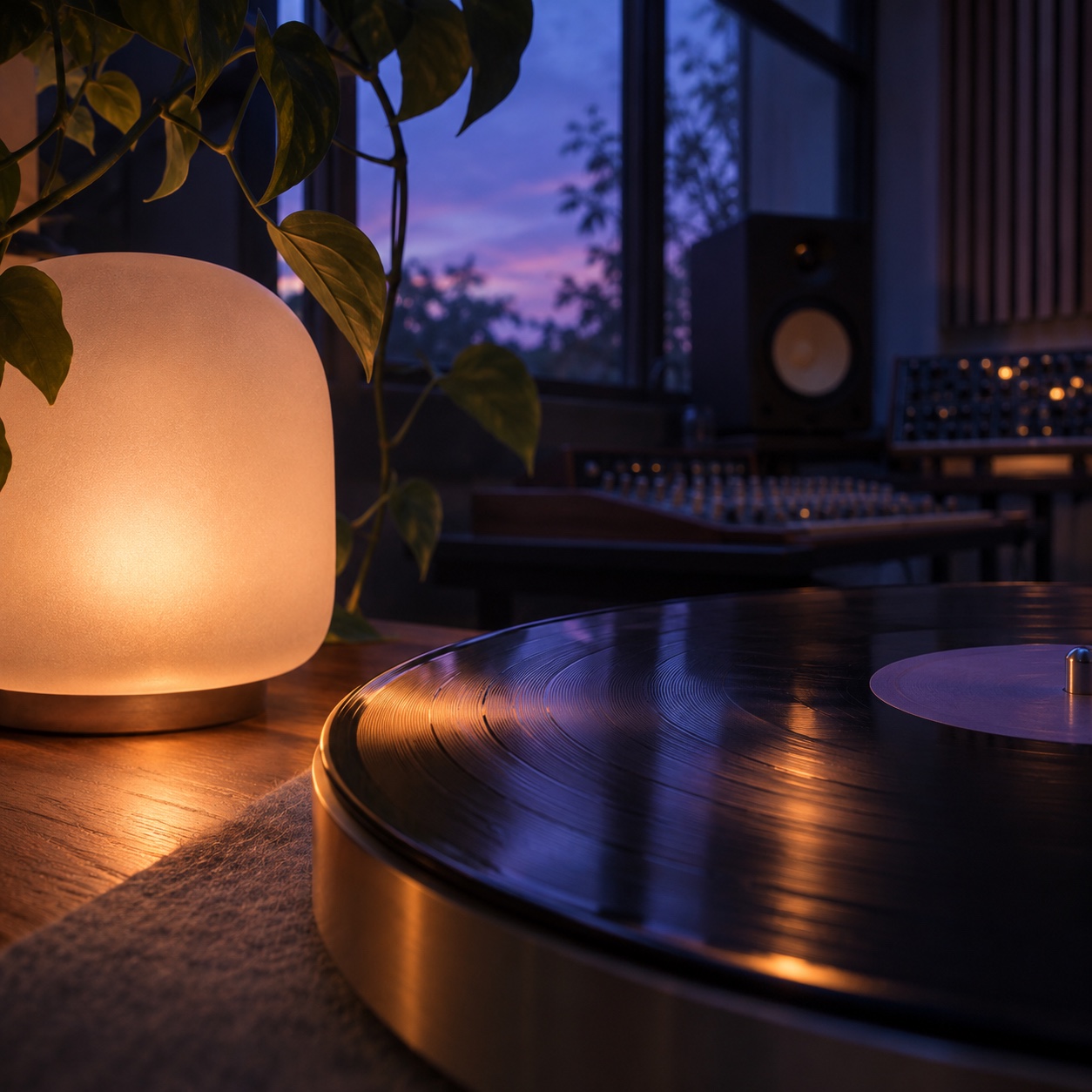
The backdrop reads “Light is a material.” Drag the clear glass lens across the lettering to see it bend.
Drag across the type. See the edges bend.
Clear center. Deep edges. A live lens and working glass toolbar.
Keyboard friendly · Motion is optional
MEET LIQUID GLASS FORGE
Light that moves with your interface.
Liquid Glass Forge is an open-source material engine for the web. It refracts and diffuses an image, canvas, video or pixel source while your buttons, forms and links remain ordinary HTML.
Give the material something to see. Shape its edges, tune its clarity, then bring it into the framework you already use.
See how it fits togetherImage · canvas · video · pixels
Refraction · diffusion · dispersion
Native buttons, text and inputs
Forge displaces and samples a known source through a shaped surface. The WebGL renderer and bounded CPU renderer provide refraction and color dispersion, alongside blur, tint and edge highlights.
The optical renderer needs an explicit source; Forge does not automatically rasterize arbitrary DOM content. This site uses known artwork and media for the optical examples, and Forge’s CSS material for ordinary page controls.
Opaque material follows reduced-transparency and increased-contrast preferences. You can also select CPU optics or a CSS material fallback. The original controls keep their browser behavior.
FIVE WAYS TO MAKE IT REAL.
Working interfaces, made with Forge.
Pick a world. Try the controls.
BENCHMARKS
Frame timing, image storage and cleanup are measured on named workloads so teams can compare them with their own requirements.
34.3–34.8 ms
p95 completion interval
One 320×180 surface in Android Chrome. Both worker repeats were within the 35 ms budget for this Phase 5 workload.
CPU benchmark results ↗13.5–16.3 ms
p95 batch time
Four 640×360 outputs in a below-the-fold test layout on the Mali-G52. Source acquisition was timed separately.
WebGL benchmark results ↗30 min
Vanilla JS, React, Vue and Angular in Chrome
Each adapter completed over 53,000 frames and 100 lifecycle cycles. Tracked workers and subscriptions returned to zero.
Soak and lifecycle results ↗p95 shows how long the slower updates take. Completion age helps teams catch stale glass, while image storage and lifecycle checks help them plan for dashboards and repeated navigation.
SwiftShader and later A04s runs missed timing limits. Sustained GPU and mobile coverage remain open. These numbers apply to the test campaigns listed above.
FRAMEWORKS & DEVICES
Four framework integrations, one source and material system.
See the installation guide for experimental packages.
Semantic HTML.
The DOM scene API.
Providers and surfaces.
Your native content.
Familiar components.
A shared material engine.
Scene directives.
Application-owned controls.
Experimental npm preview
Framework availability and physical-device qualification are separate. The studio also includes renderer work ahead of the npm preview.
KNOW WHERE IT STANDS
WebGL2 optics, bounded CPU rendering and CSS or opaque materials offer different ways to run. Device tiers stay experimental until their original checks are complete.
BEAUTY, WITH SOMETHING BEHIND IT.
Pixels have a source. Light has a path.
And your content has the final say.
An image, a canvas, a video, or your own pixels. Glass refracts an explicit, origin-clean source, so you know exactly what is being rendered.
Rounded edges, refraction, optical blur and subtle highlights. A shared WebGL atlas or a bounded JavaScript CPU renderer does the optical work.
Your buttons, labels and inputs stay native DOM. An opaque material preserves readable controls when transparency isn't the right choice.
QUICK START
Choose your stack, copy its install command, and paste the starter into your app.
Read the setup guideExperimental preview. Device and performance qualification remain open.
Install the complete optical package set. Use a readable image, canvas or video as the source.
ROADMAP
The web engine is available as an experimental npm preview. These upcoming projects will have their own releases and support details.
A web UI library built on Forge, starting with controls such as a glass button and segmented control.
Explore ENUIA Dart implementation with Flutter widgets.
A Kotlin implementation. Platform support will be documented with its preview.
ONE MORE THING.

ENUI is an upcoming UI library built on Liquid Glass Forge. The material is the foundation; ENUI will bring it into a considered collection of interface components.
A personal signature: N for Nami.
Explore the Forge foundationBy Nami Poursafargholi · AKA Zenixev
A FORGE MATERIAL STUDY
The material, live today.
The ENUI component collection, coming next.


